Update (17/02/2026): We have plenty of stock of all our products, find us also in and    Shop now

User Guide: RTK Handheld 2 Configurable

Overview

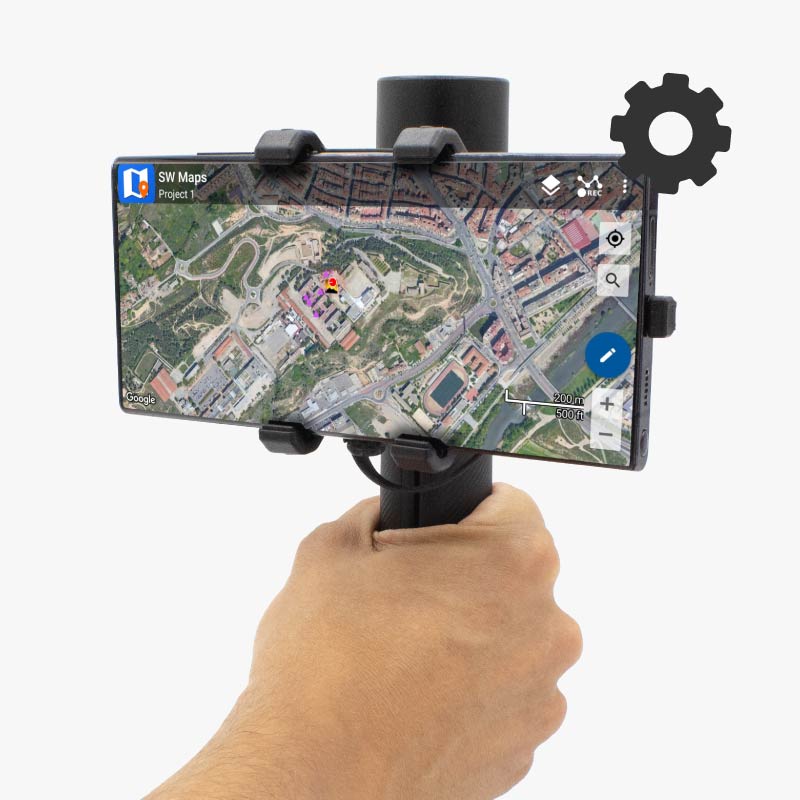
Get professional centimeter-level accuracy RTK surveying in the palm of your hand. The RTK Handheld 2 is a configurable kit that ships unassembled. This guide shows you how to assemble the kit so it works properly, allowing you to start your surveying project immediately. Alternatively, you can purchase your chosen components pre-assembled using our Configuration Service.

Package

The minimum package items required are:

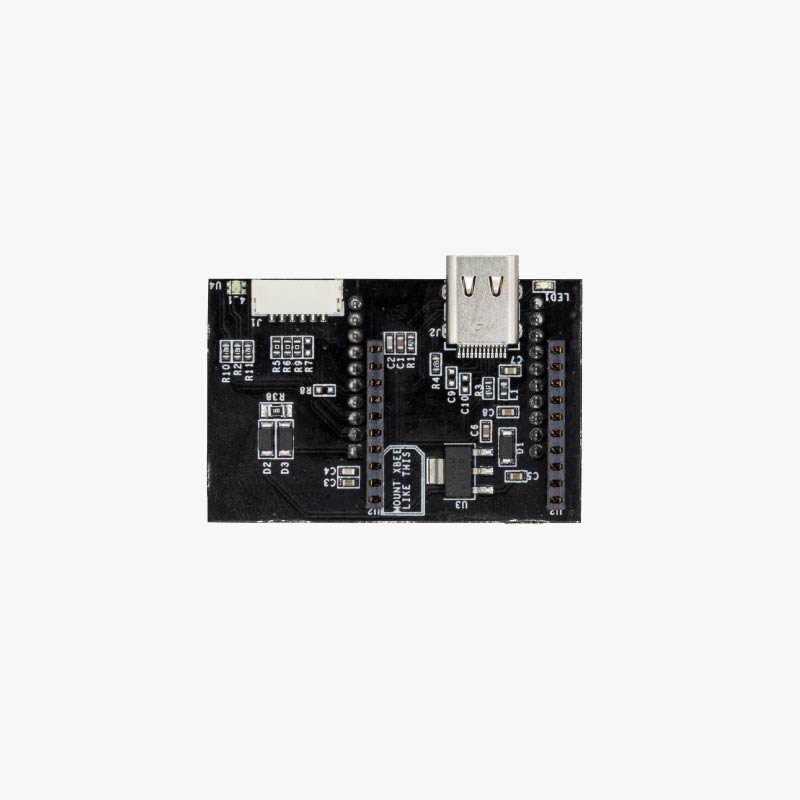
  • Portable 2 mainboard.
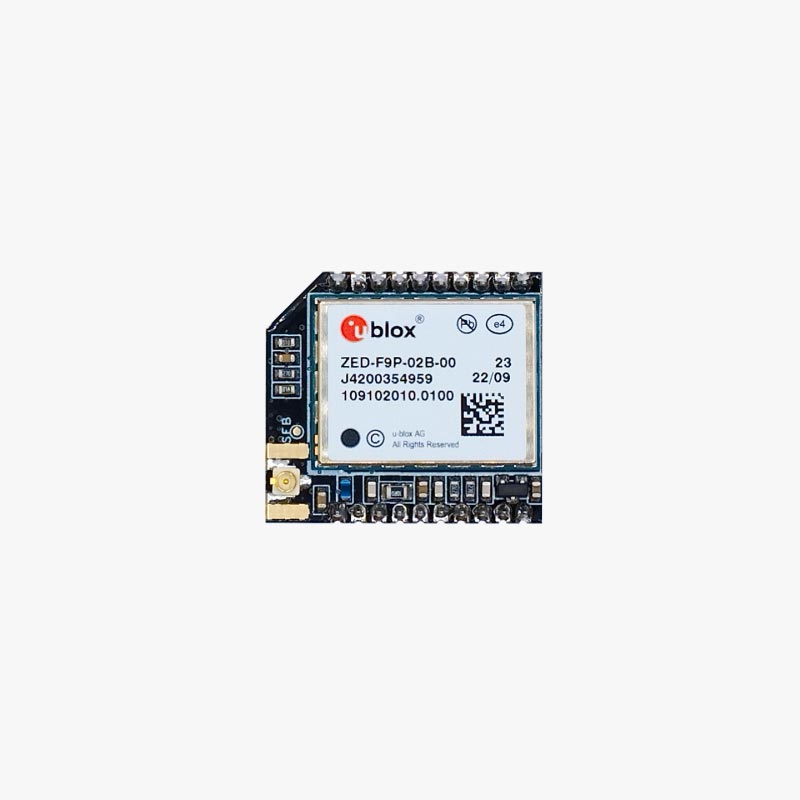
  • GNSS receiver board (with ZED-F9P, ZED-X20P or UM980 RTK module).
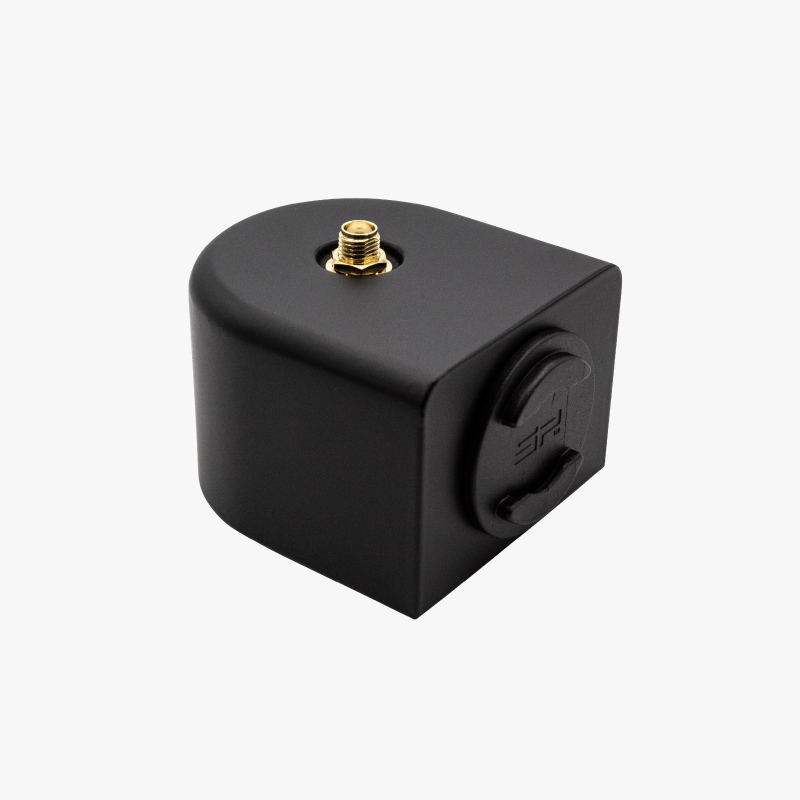
  • Portable 2 plastic case.
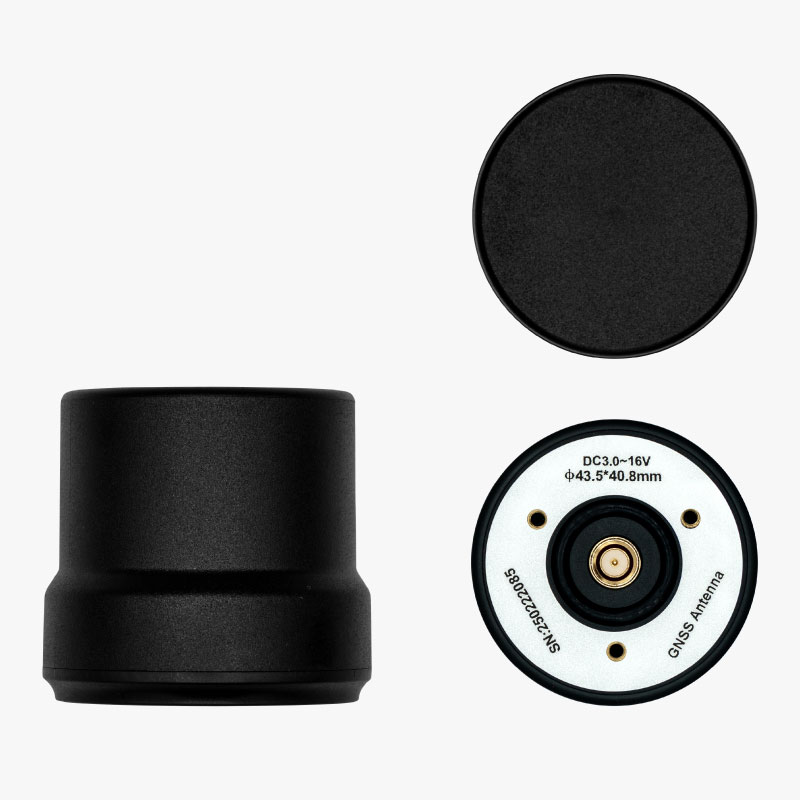
  • Compact Helical Tripleband GNSS Antenna.
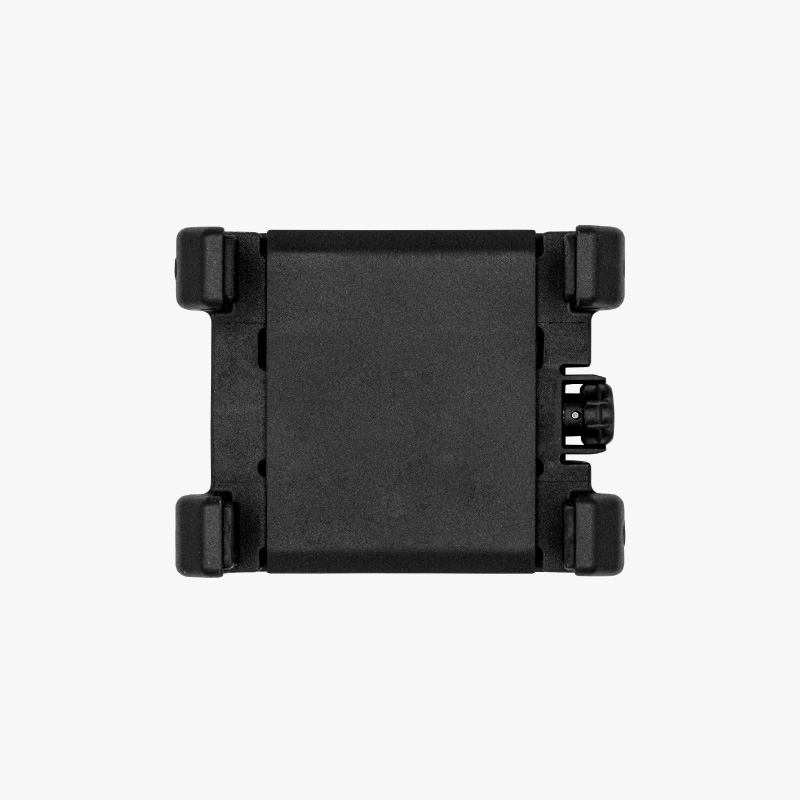
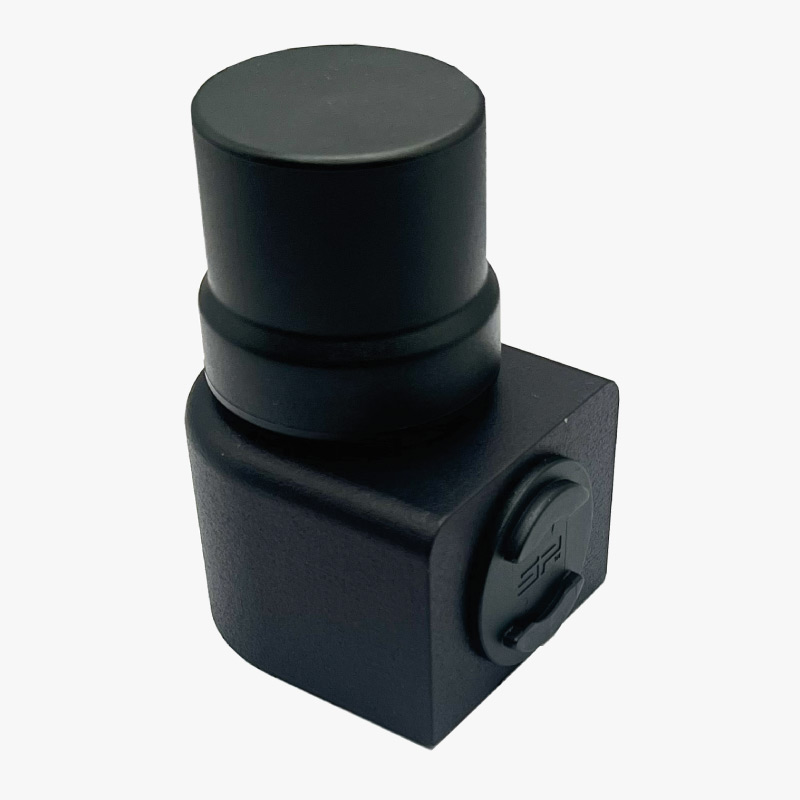
  • SP Connect universal phone holder.
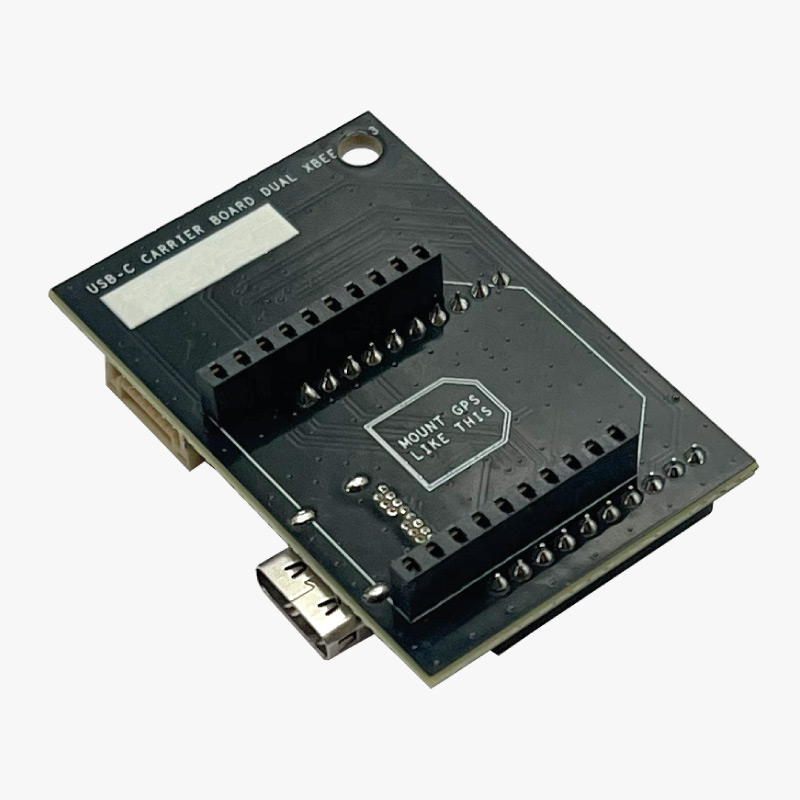
portable2 mainboard top
Portable 2 mainboard
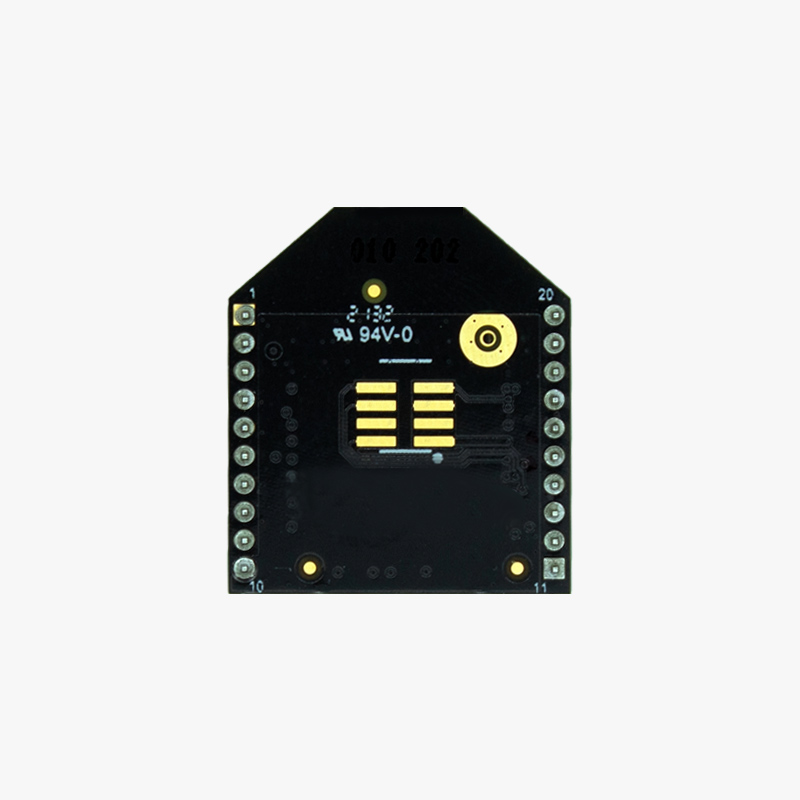
simpleRTK2B micro ufl through hole top
GNSS Receiver board
portable2 plastic case top perspective
Portable 2 plastic case
compact_helical_GNSS_tripleband+L-band_antenna
Helical Tripleband GNSS Antenna
Portable2 connect phone holder
SP Connect universal phone holder

The package also may include one optional plugin to connect wirelessly to your phone:

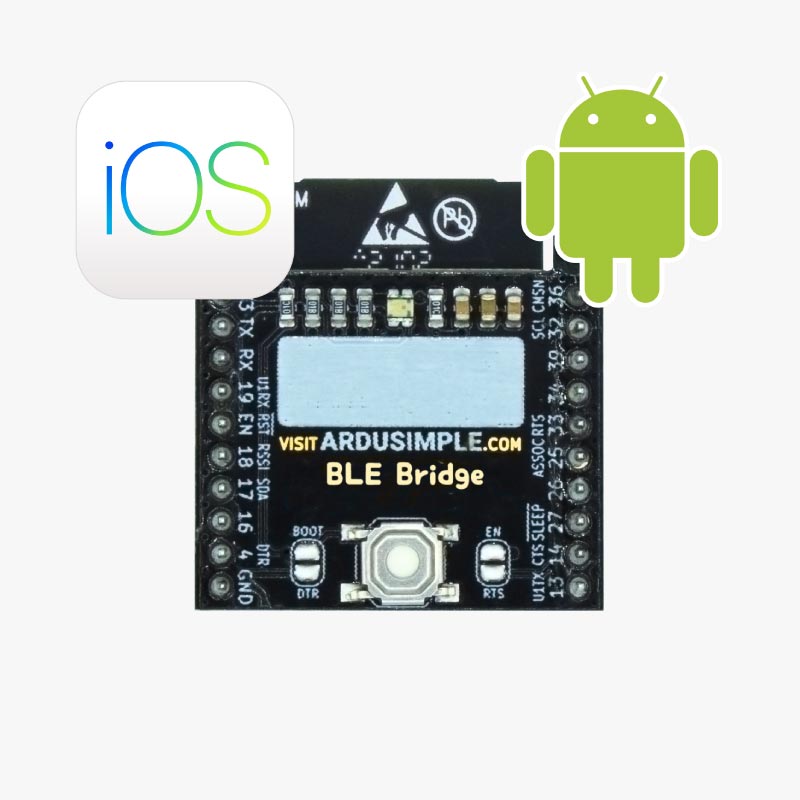
BLE Bridge ios android
BT+BLE Bridge
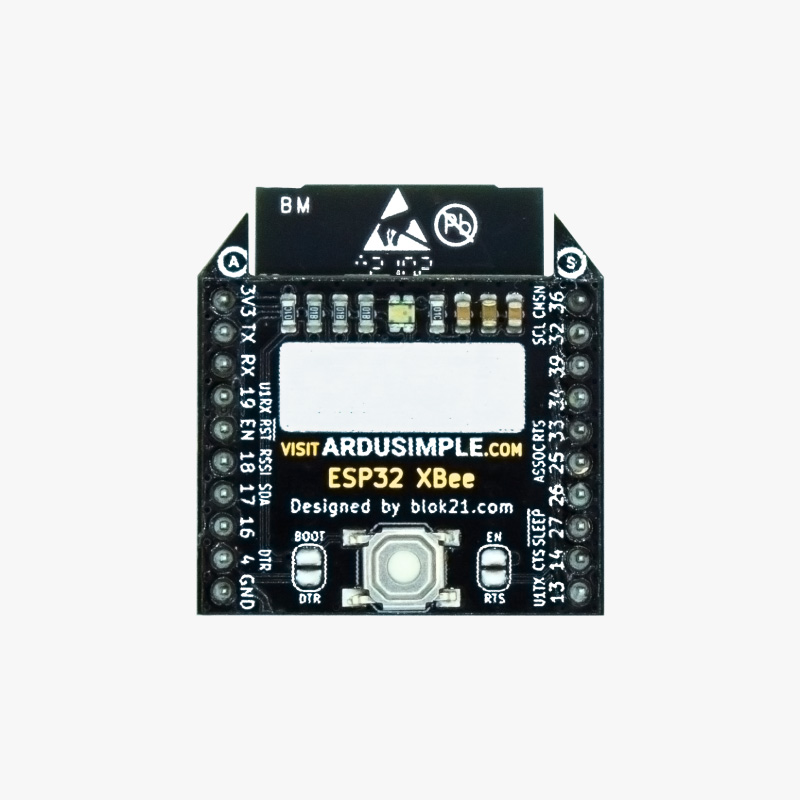
WiFi NTRIP Master communication plugin
WiFi NTRIP Master
Radio Module Medium Range (MR) top
Radio Module Medium Range (MR)

Assembly

If you did not order the Configuration Service, the RTK Handheld 2 Configurable Kit comes in parts and requires to be assembled. No special tools needed – the entire unit can be built by hand. Please follow this manual to assembly the minimum required components.

  1. Hold the Portable 2 mainboard with the USB-C and JST connectors facing backwards and label MOUNT GPS LIKE THIS visible on top. Do not set the board on top of a hard surface as it could cause damage, just hold it with your hands.
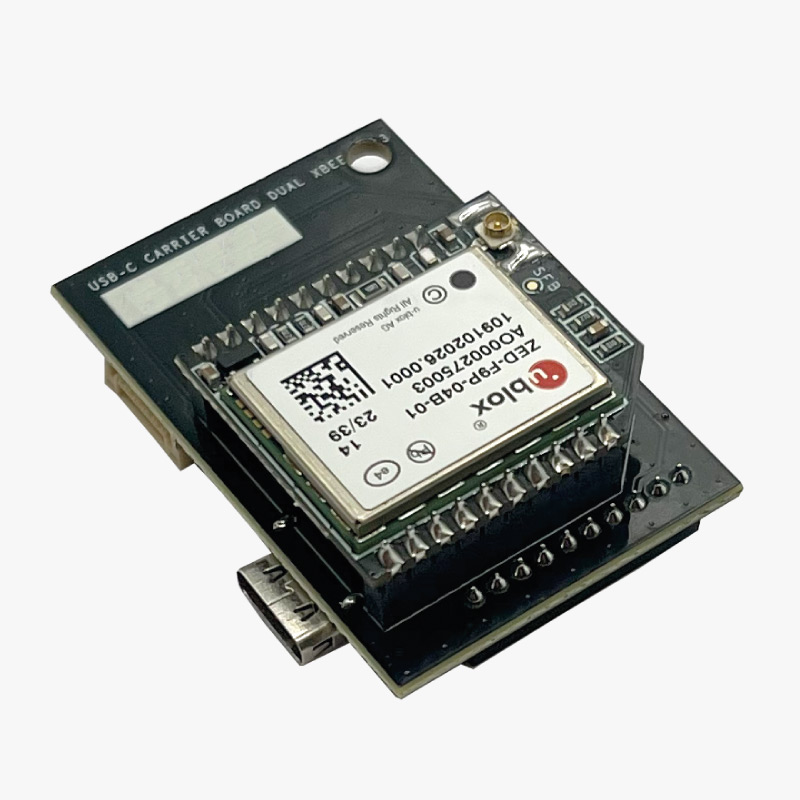
  1. Align the XBee Headers present on this side of the board with the pins of the GNSS receiver board, and insert it in the orientation described by the label MOUNT GPS LIKE THIS.
  1. (Optional step): If you have ordered one of the wireless connection plugins available for the kit follow this section to install it.
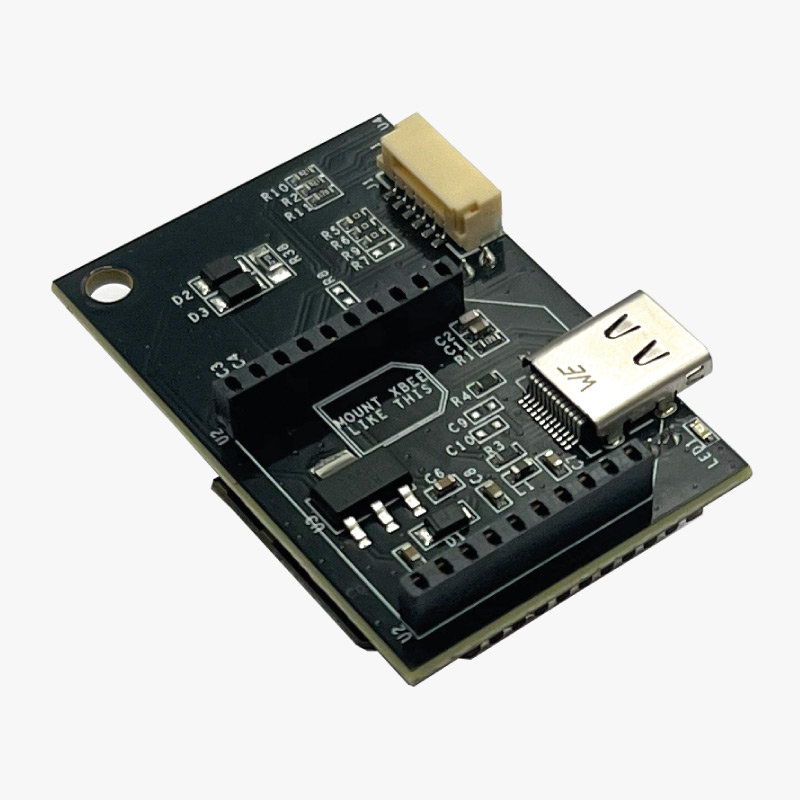
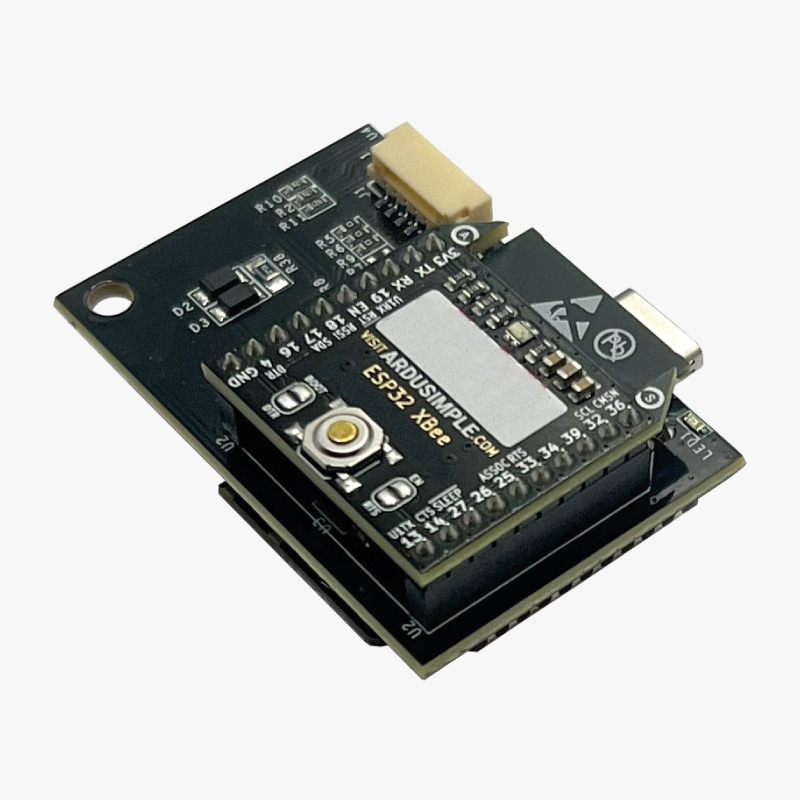
    • Flip the portable 2 mainboard and hold it in your hands with the USB-C and JST connectors in the front and label MOUNT XBEE LIKE THIS visible.
    • Align the XBee headers with the pins of the wireless connection plugin board (Bluetooth, Wifi or MR radio), and insert it in the orientation described by the label MOUNT XBEE LIKE THIS.
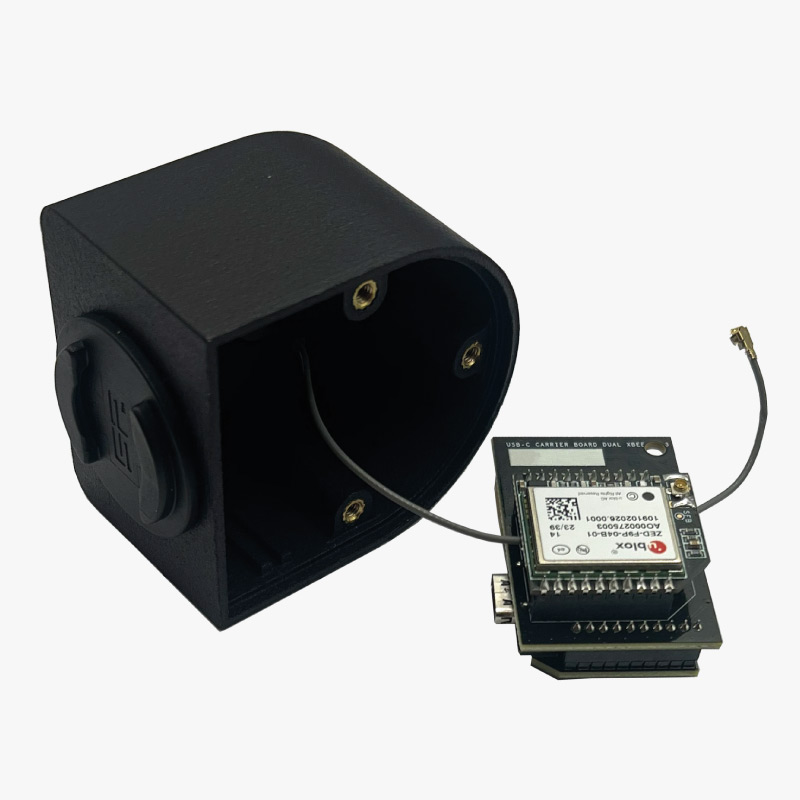
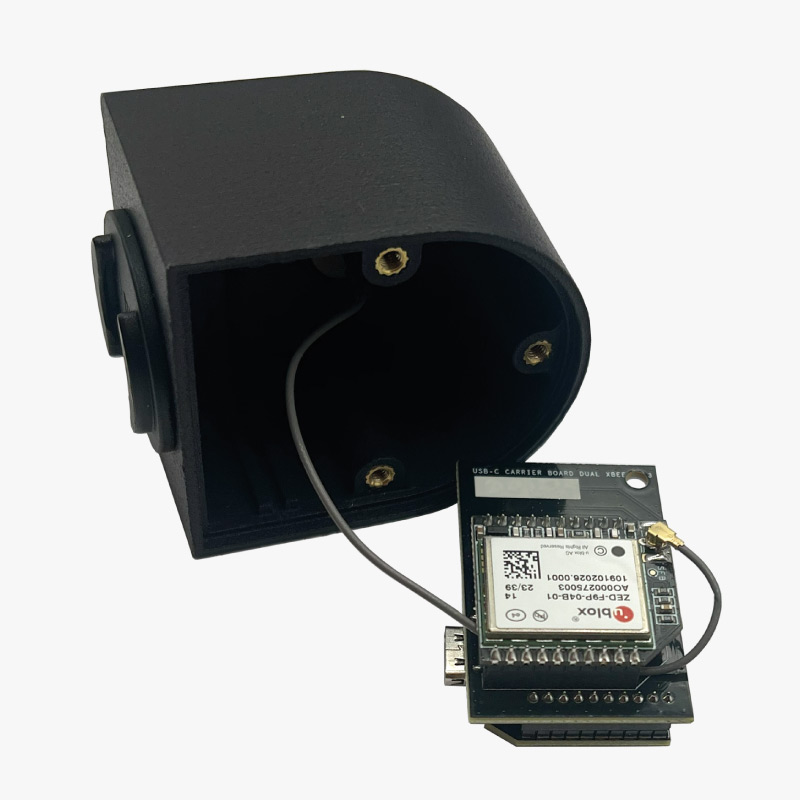
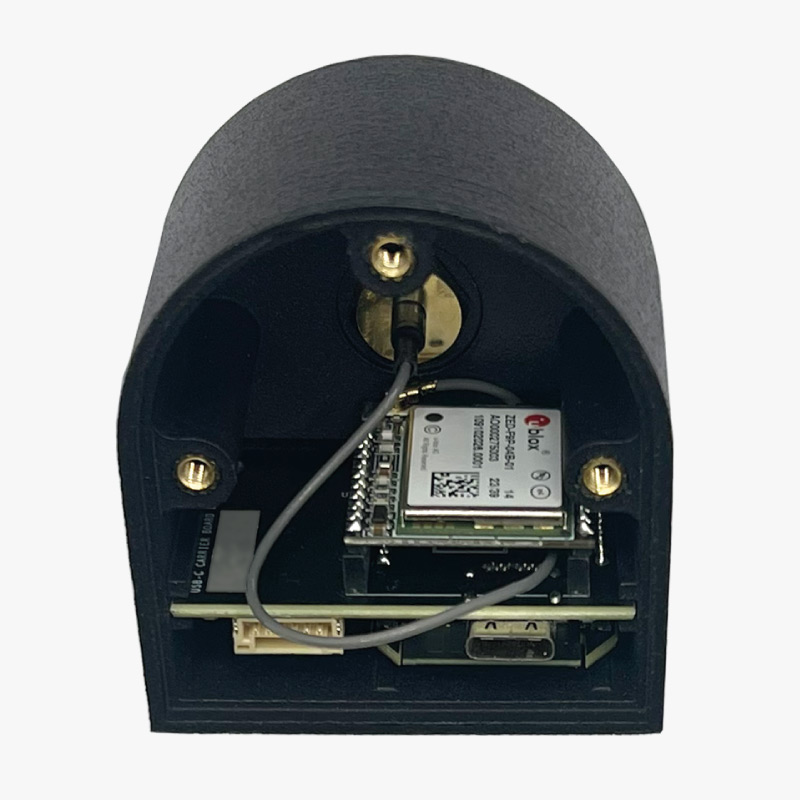
  1. Pass the antenna cable attached to the plastic case through the hole between the receiver and mainboard.
  1. Connect the uFL (tiny connector) to the receiver plugin board corresponding connector (you should hear a click if properly inserted).
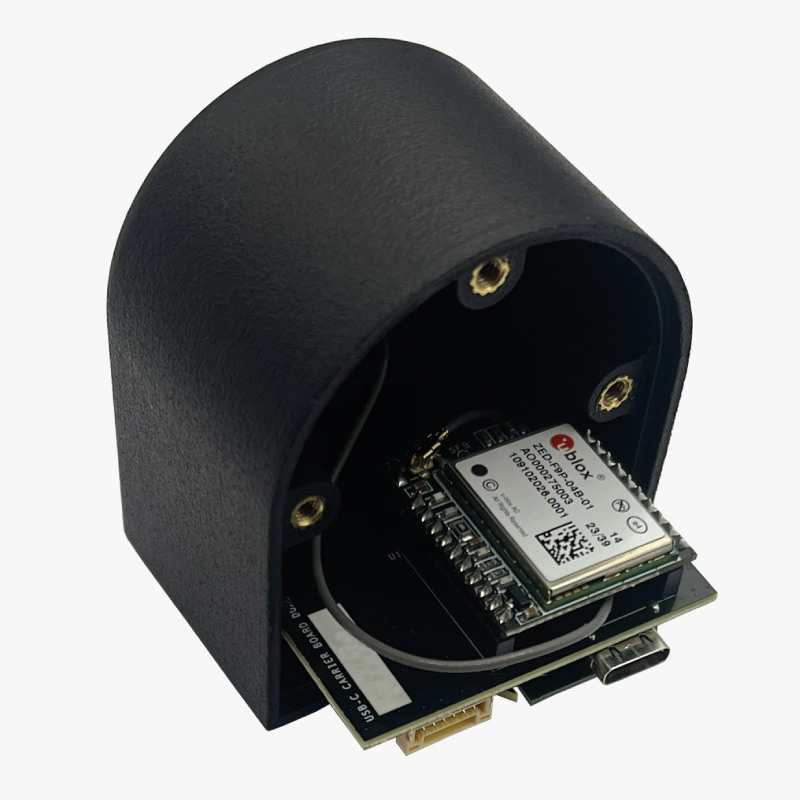
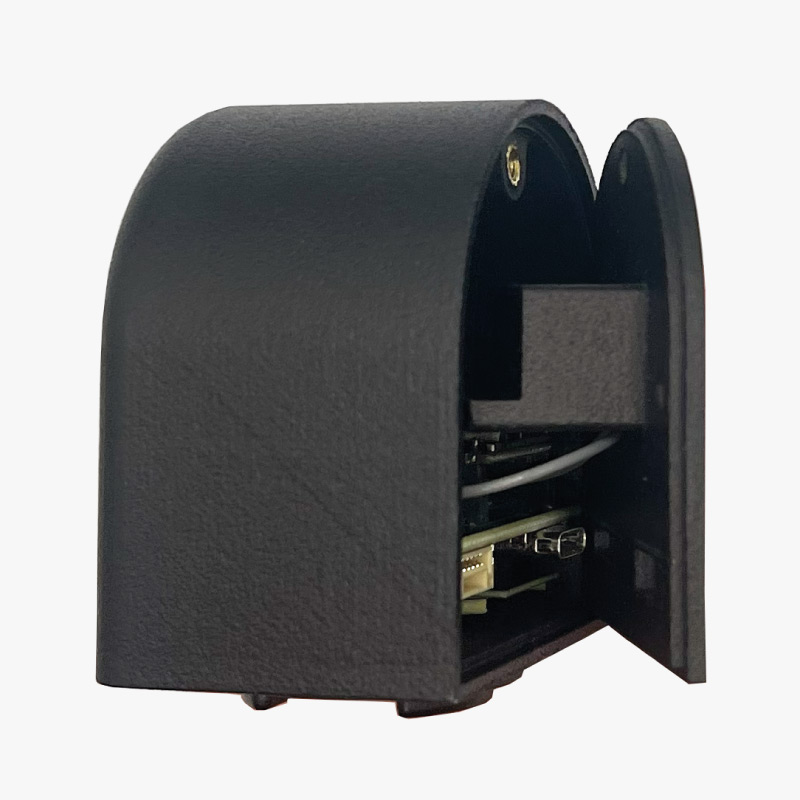
  1. Insert the Portable 2 mainboard into the case, with the USB-C and JST connectors facing towards the open side of the case.
  1. Place the antenna cable in the space between the lateral screw holes and the mainboard.
  1. Set the plastic case lid in place, making sure the antenna cable remains loose and not trapped between the plastic lid and the receiver board.
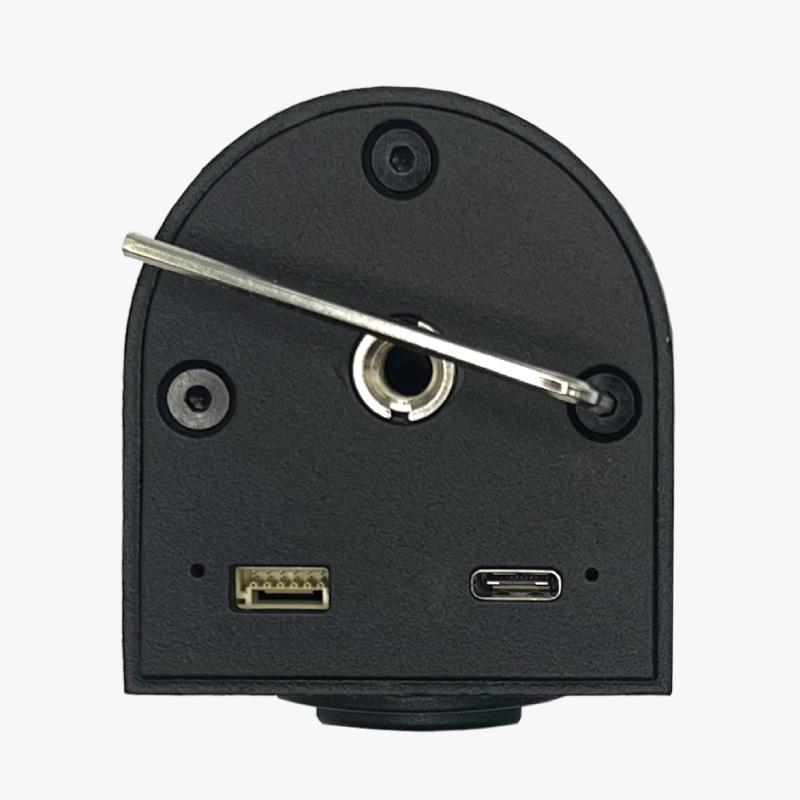
  1. Check that the USB-C and JST connectors are properly aligned with their corresponding plastic case holes, and screw the 3 screws in place.
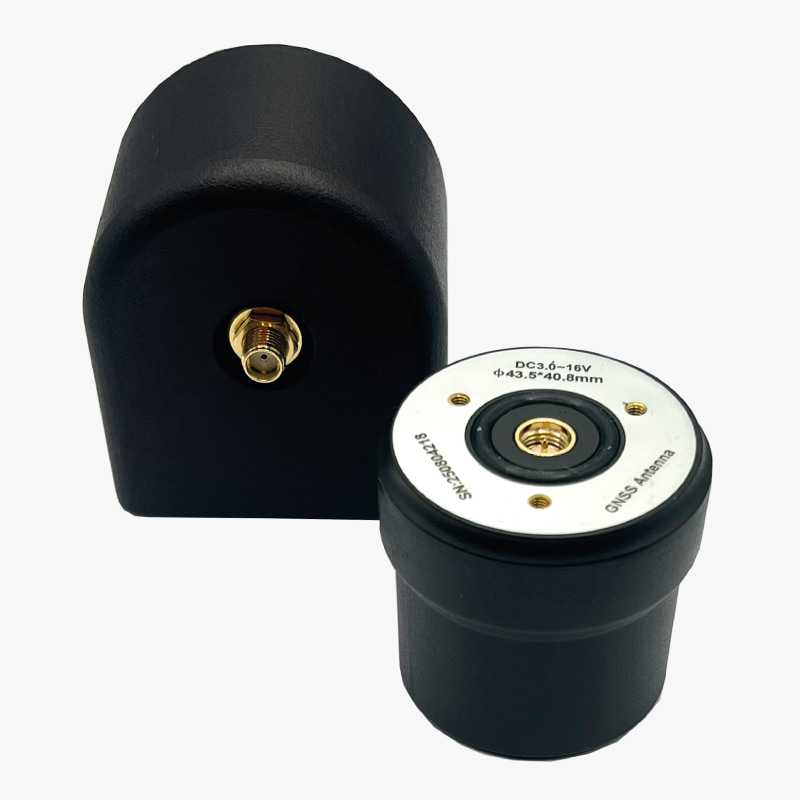
  1. Screw the Helical Tripleband GNSS Antenna to the SMA connector at the top of the plastic case.
  1. You have successfully assembled your new RTK Handheld 2 configurable kit.

Getting started

Before using the RTK Handheld Kit it needs to be configured to act as a Rover and send NMEA messages over USB and your chosen wireless plugin, if any. To do this you will have to load a specific configuration file for each GNSS receiver:

After this configuration step is finished, to get started please follow the guide Getting started: RTK Handheld 2 Mapping Kit.

Accessories and spare parts

Here you can find affordable accessories for your kit.

Got any questions or requests?
Contact us! We'll answer <24 hours!

Icon
Contact ArduSimple
Close
ArduSimple GNSS RTK evaluation boards made easy

Want to learn more about GPS and RTK?

If you are busy right now, our engineers can send you 3 short e-mails, explaining all you need to know to start your project.