Update (21/05/2026): We have plenty of stock of all our products, find us also in and    How to get a quotation

Tutorials

How to configure Septentrio RTK Heading and connect it to ArduPilot

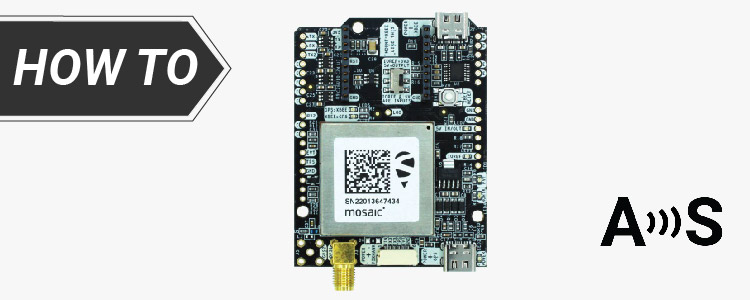
In this tutorial we will guide you through the steps of how to get high precision GNSS based heading to your ArduPilot project with the simpleRTK3B Heading receiver, powered by Septentrio Mosaic-H. Required hardware: simpleRTK3B Heading 2 × Lightweight helical GNSS Tripleband + L-band antenna (IP67) 2 × SMA antenna RF cable extender (these items are needed […]

How to configure Septentrio RTK Heading and connect it to ArduPilot Read More »

How to configure simpleRTK2B Heading – Basic Starter Kit and connect it to ArduPilot

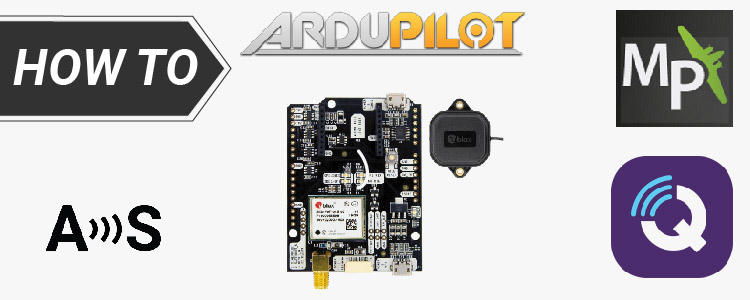
Looking at the official Ardupilot forum we found many users having problems configuring their simpleRTK2B Heading with their ArduPilot. After some testing we prepared this tutorial to make the process easier. In case you have simpleRTK3B Heading, we have prepared a tutorial How to configure triple-band Septentrio GNSS receiver and connect it to ArduPilot.            If you plan

How to configure simpleRTK2B Heading – Basic Starter Kit and connect it to ArduPilot Read More »

How to visualize GNSS RTK real-time data in Google Earth

In this tutorial we will show you how to visualize real-time positioning and tracking data in Google Earth with your simpleRTK2B series receiver. Required hardware: simpleRTK2B series receiver simpleANT2B antenna USB cable compatible with the USB port of your board to connect to computer a computer or a laptop Required software: u-center (if you don´t

How to visualize GNSS RTK real-time data in Google Earth Read More »

expport your survey work from Android device to QIGS and AutoCAD cover

How to export your survey work from your Android device to QGIS and AutoCAD

In this tutorial we will explain how to export your Android device surveying project created with SW Maps, Mapit GIS or Mapit Spatial to QGIS and AutoCAD. This tutorial is useful for professionals who gather data in the field using Android apps and want a seamless transition to QGIS or AutoCAD. It’s a straightforward guide

How to export your survey work from your Android device to QGIS and AutoCAD Read More »

Got any questions or requests?
Contact us! We'll answer <24 hours!

Icon
Contact ArduSimple
Close
ArduSimple – high precision RTK survey equipment and solutions made simple

Want to learn more about GPS and RTK?

If you are busy right now, our engineers can send you 3 short e-mails, explaining all you need to know to start your project.