Update (28/10/2026): We have plenty of stock of all our products, find us also in and    How to get a quotation

Building a low cost RTK Receiver with dual RS232 and ZED-F9P

On this page 

No headings were found on this page.
Products used in this tutorial

Use case A: You want to use your existing radio that outputs correction data via RS232 (DB9) connector, and you have a system that accepts GPS/RTK positions via RS232 (or DB9) connector.

Use case B: You have 2 onboard devices / monitors that have input for RTK, but each of them requires different settings.

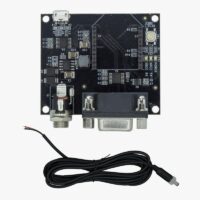
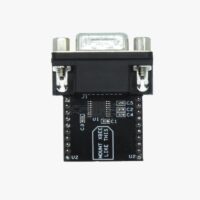
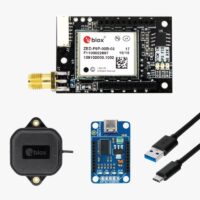
For above use cases and more, you can build your RTK receiver with double RS232 input/output with the following items and just a few hundred dollars:

Good to know:

  • The upper RS232 is connected to ZED-F9P UART2.
  • The lower RS232 is connected to ZED-F9P UART1. You can use u-center together with UBX-CFG-PRT and UBX-CFG-MSG to change the settings of both UART1 and UART2
  • You can power the system via USB, or connect it directly to the 12V battery of your vehicle.
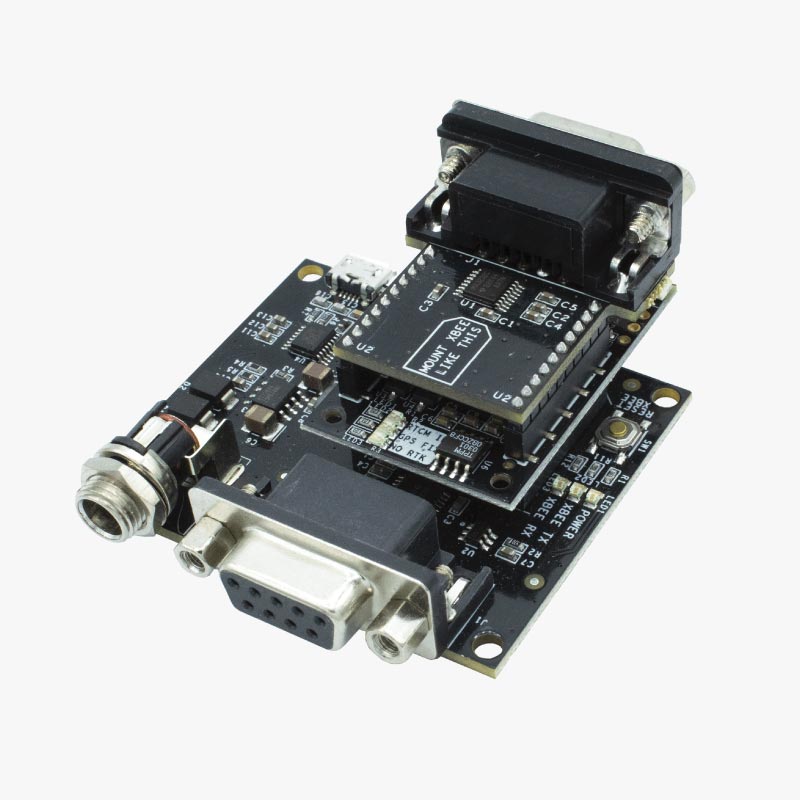
You can read more about this accessory in the RS232-to-Everything hookup guide. And if you are not sure about something just contact us, we always answer!

Still having issues?

Contact us for support from a real engineer—not AI—or request the tutorial you’re missing

Got any questions or requests?
Contact us! We'll answer <24 hours!

Contact ArduSimple
Close

We`ll email you a link to this post

Send Post to email

Access your Account and orders

Or

New customer? Create your account
ArduSimple – high precision RTK survey equipment and solutions made simple

Want to learn more about GPS and RTK?

If you are busy right now, our engineers can send you 3 short e-mails, explaining all you need to know to start your project.