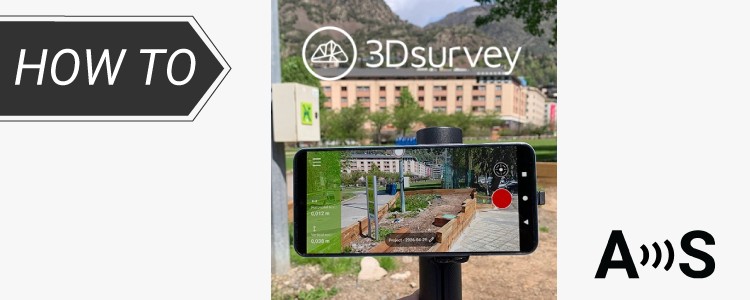
This tutorial shows how to create a centimeter-accurate 3D model of a real site using a smartphone and an external RTK GNSS receiver. It is intended for both professionals and non-experts who need reliable 3D data for tasks such as land surveying, construction planning, site documentation, or documenting elements like pipes and irrigation systems during construction.
The workflow is straightforward: record a video of the site and convert it into a scaled, georeferenced 3D model that can be measured and analyzed.
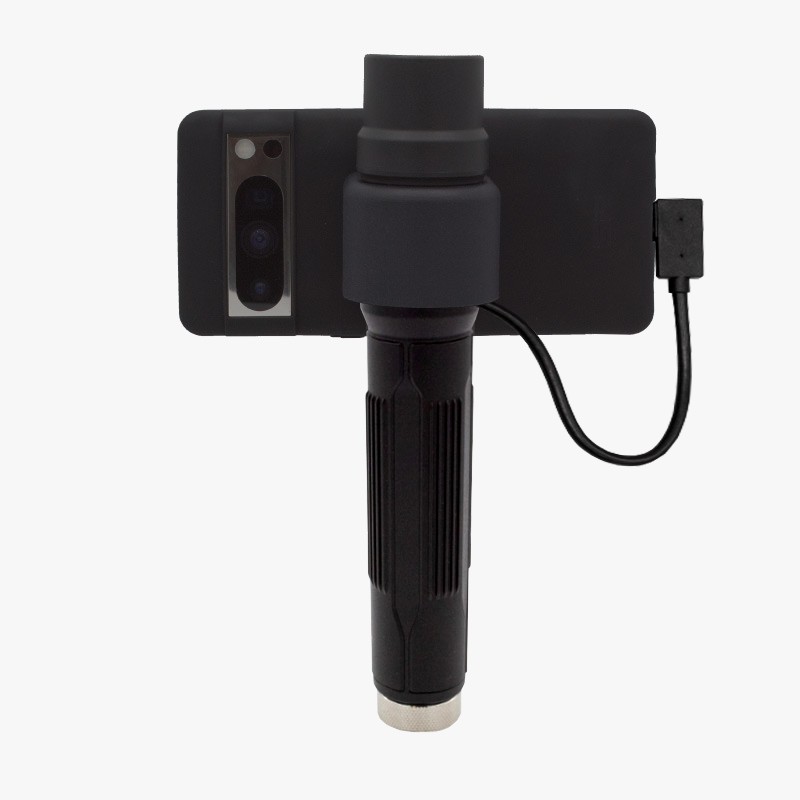
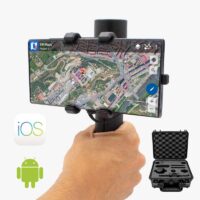
This is done by combining an Android smartphone for video capture, a RTK Handheld 2 Mapping Kit for positioning and georeferencing with centimeter-level accuracy, and videogrammetry software to generate the 3D model.
Compared to standard smartphone GPS, which typically provides meter-level accuracy, this setup achieves centimeter-level precision. This level of accuracy is required when measurements need to be reliable and consistent. The tutorial is suitable for both professional and DIY use cases where an accurate 3D representation of a site is required.
Required hardware:
- RTK Handheld 2 Mapping Kit
- Android smartphone
- Microsoft Windows PC or laptop
Required software:
- 3Dsurvey SiteScan app installed on Android
- GNSS Master app installed on Android
- 3Dsurvey software installed on Windows PC or laptop
How to capture and process georeferenced video
Get centimeter-level positioning in the smartphone GPS
With the RTK Handheld 2 Mapping and Surveyor Kit you will have everything you need to start using your mobile phone for surveying and mapping tasks with centimeter-level accuracy.
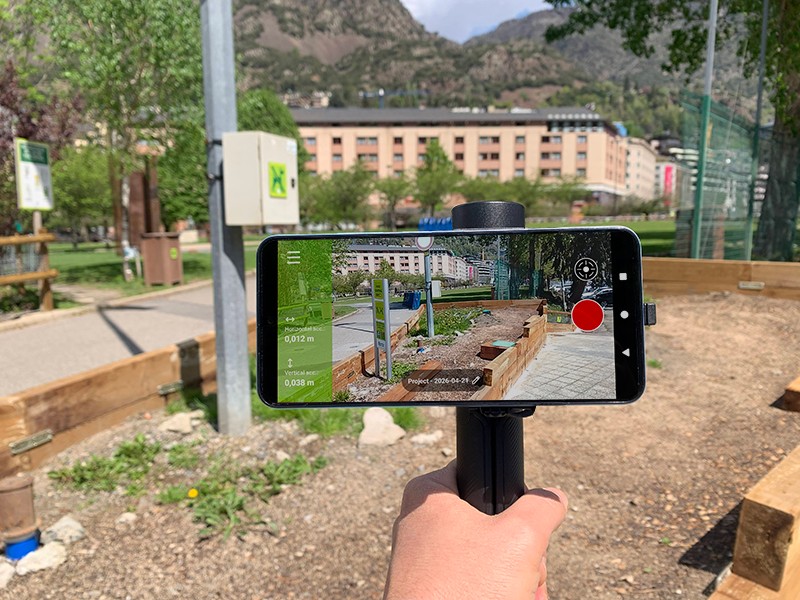
- Follow the User guide: RTK Handheld 2 Mapping Kit to assembly it, paying special attention to the photogrammetry section. Skip the Getting Started section as we are using different Android apps in this tutorial.
Now we are going to replace the smartphone internal GPS positioning with the one included in the RTK Handheld 2 Mapping Kit, which is way more accurate.
- Activate the Mock location feature on your smartphone by following our tutorial on how to use centimeter GPS with any Android app (Mock Location).
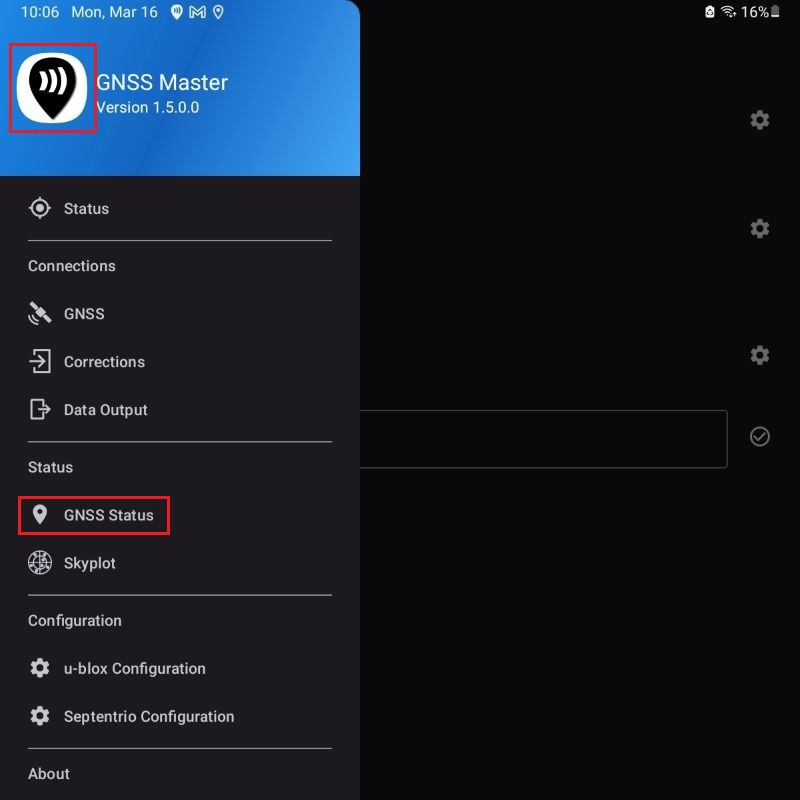
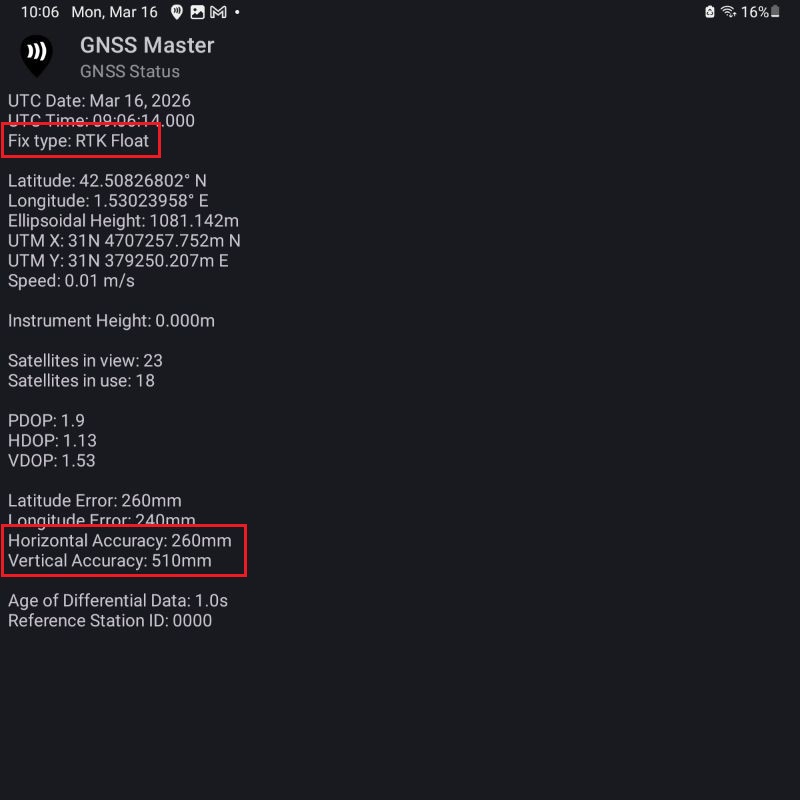
- Now we will verify that the precision of the position provided by the RTK Handheld 2 Mapping Kit to your mobile device are at centimeter-level. Open GNSS Master app and go to the GNSS Status section.
- Fix Type should have a RTK Fix or Float value and Horizontal and Vertical Accuracy be at centimeter-level. Now you are ready to start mapping with centimeter-level accuracy.
Record the site video using 3Dsurvey SiteScan app
Now we are ready to move to the site location and record the video we are going to use in the videogrammetry process.
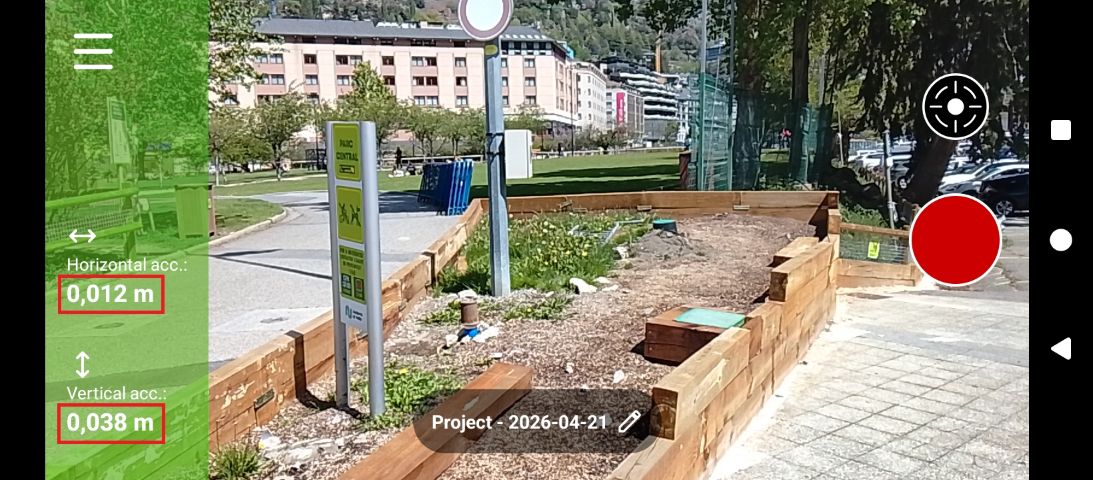
- Open the 3Dsurvey SiteScan app. It should show the centimeter-level accuracy we achieved in the previous steps.
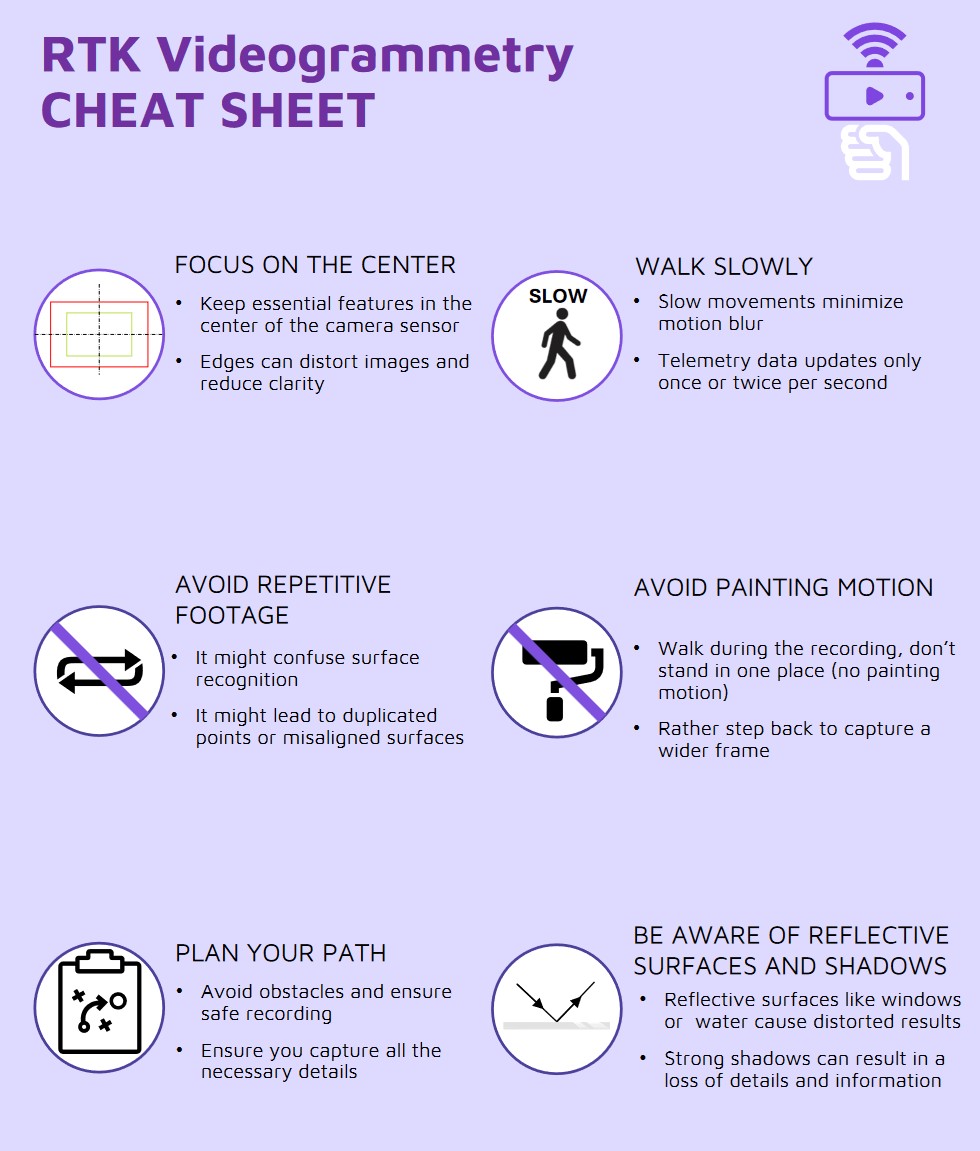
- Plan the path you are going to follow when recording the video taking into account the recomendations in this videogrammetry cheat sheet.
- Start recording videos by pressing the record button.
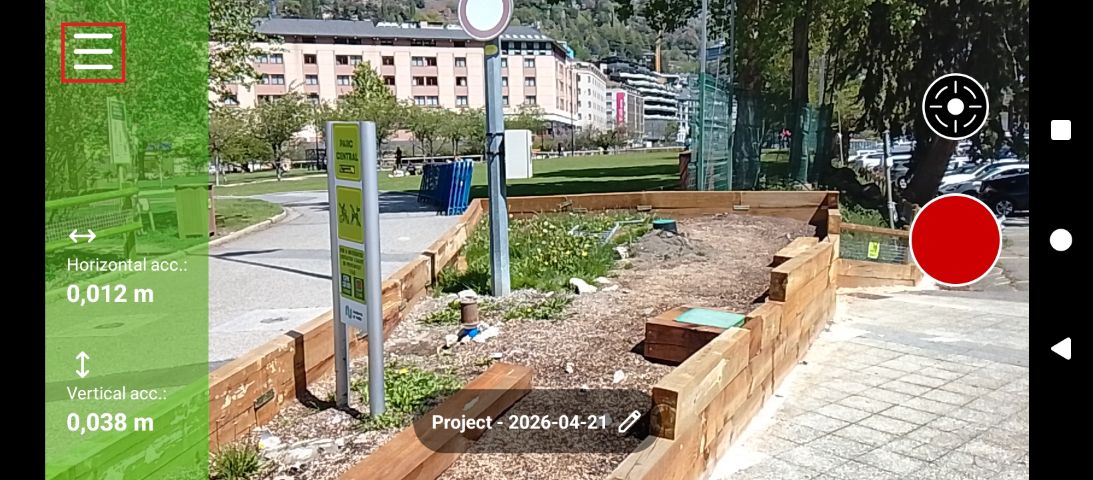
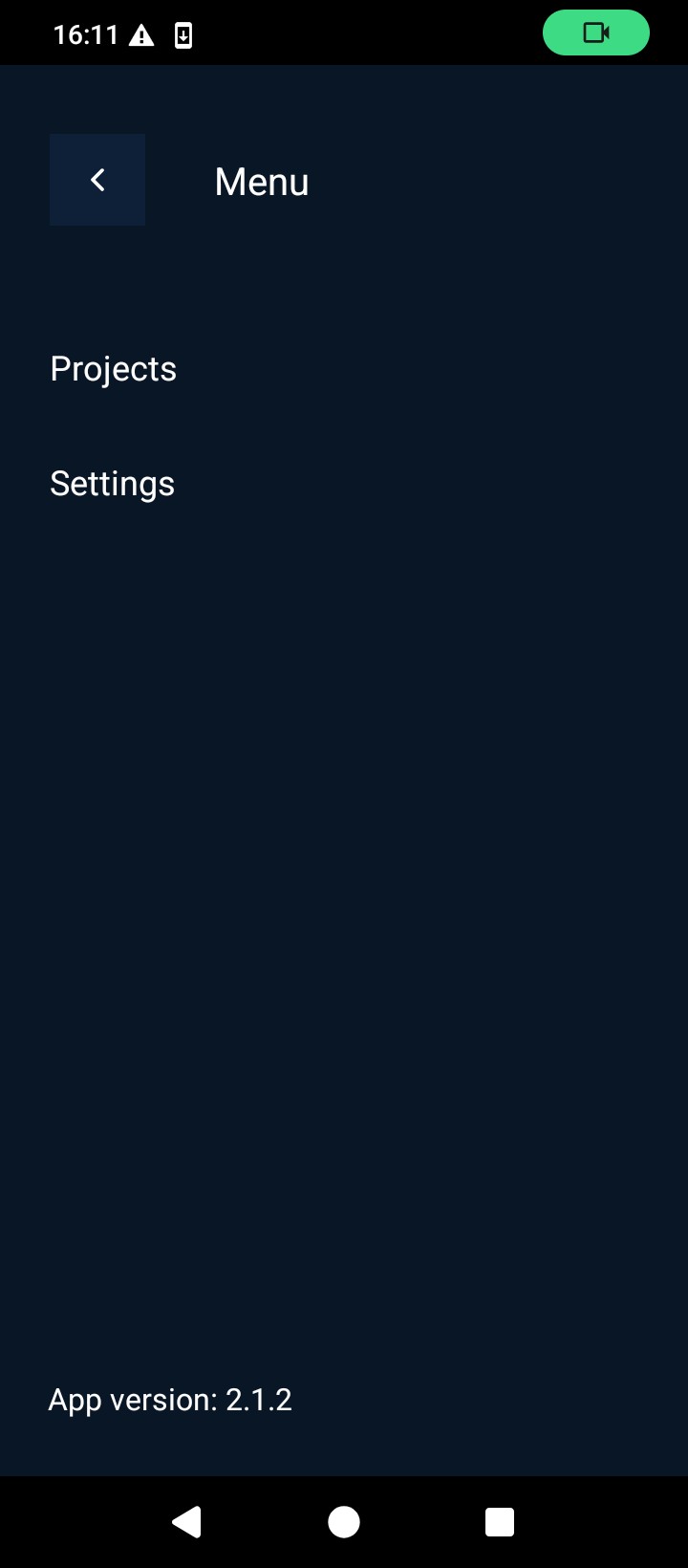
- To visualize the recorded videos open the application main menu.
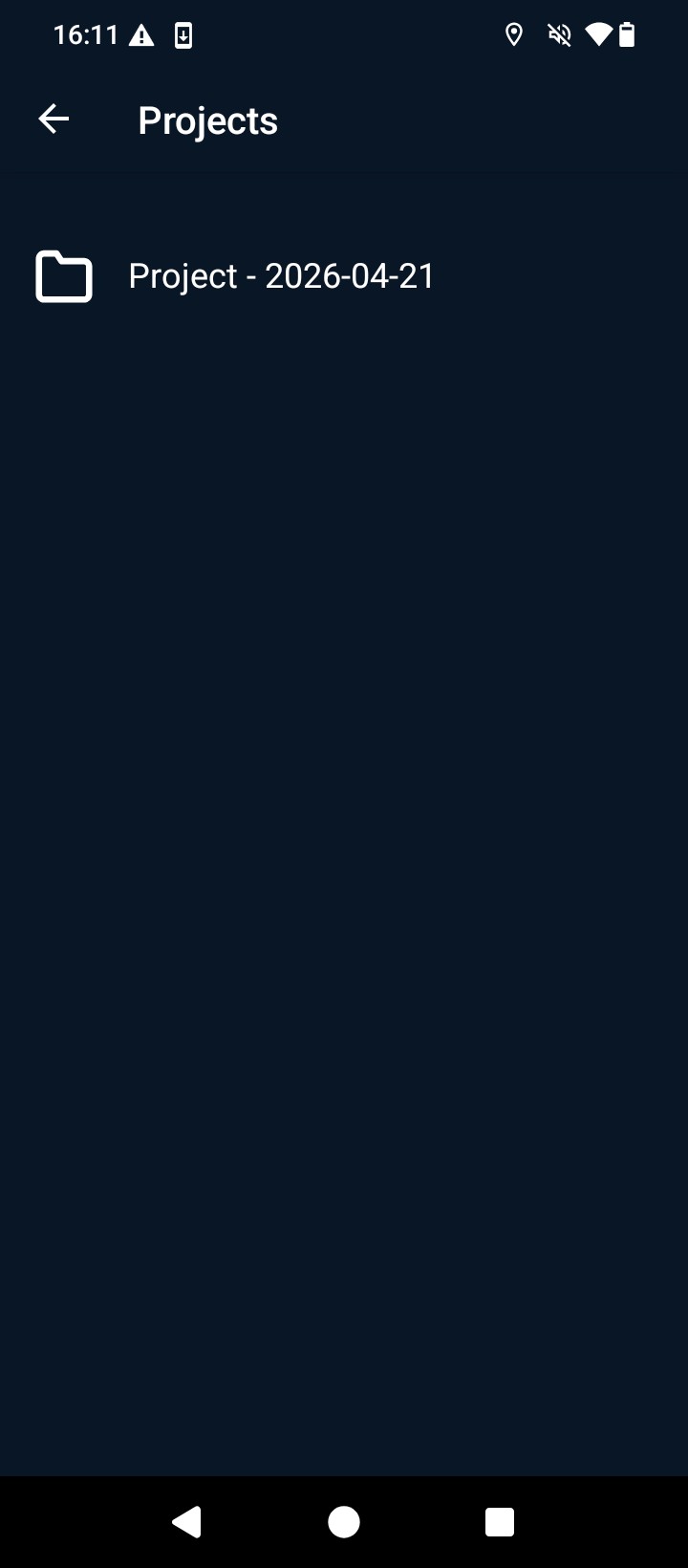
- Go to Projects and select the project you just created.
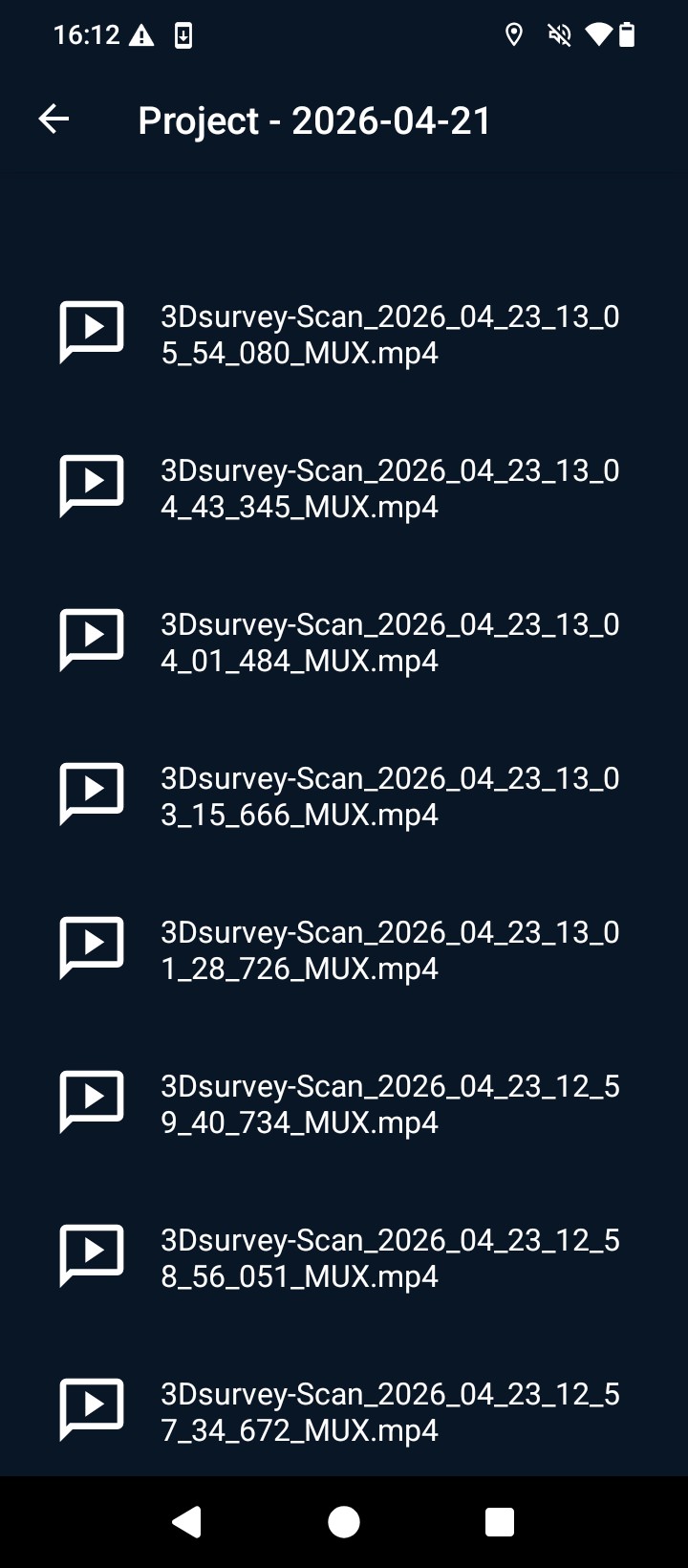
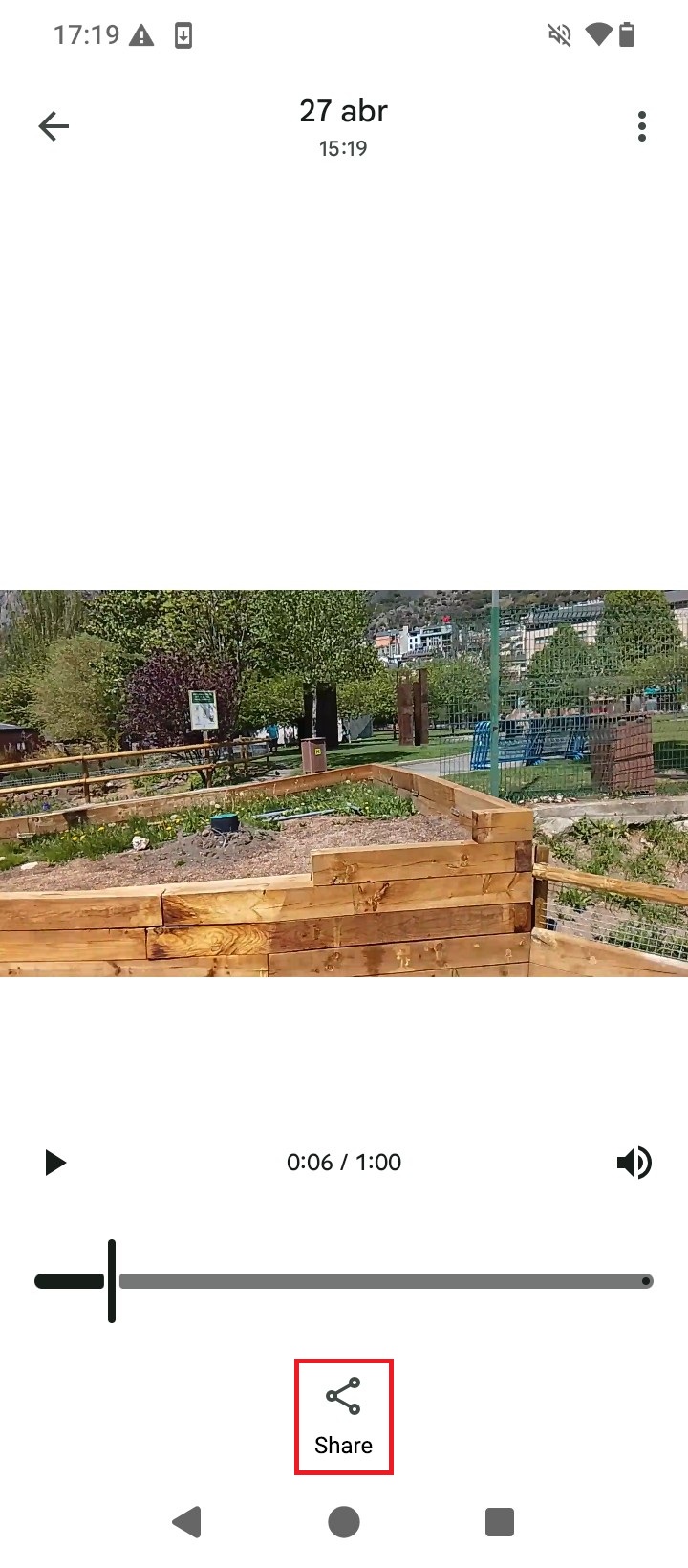
- You will find the recorded videos inside and you can now select the video that it is going to be used for videogrammetry processing. Once selected press Share to send it to your PC or laptop via Google Drive, e-mail, …
- After downloading the video to the PC or laptop you can now start processing it in the 3Dsurvey videogrammetry software. For accurate results you will have to measure the exact distances in the vertical, horizontal and depth axis from the antenna center point to the phone camera position (the one recording video in case your smartphone has more than one camera). Please follow this Handheld RTK Videogrammetry with 3Dsurvey tutorial, or follow the steps in the video to extract a 3D mesh representation of the site you recorded.
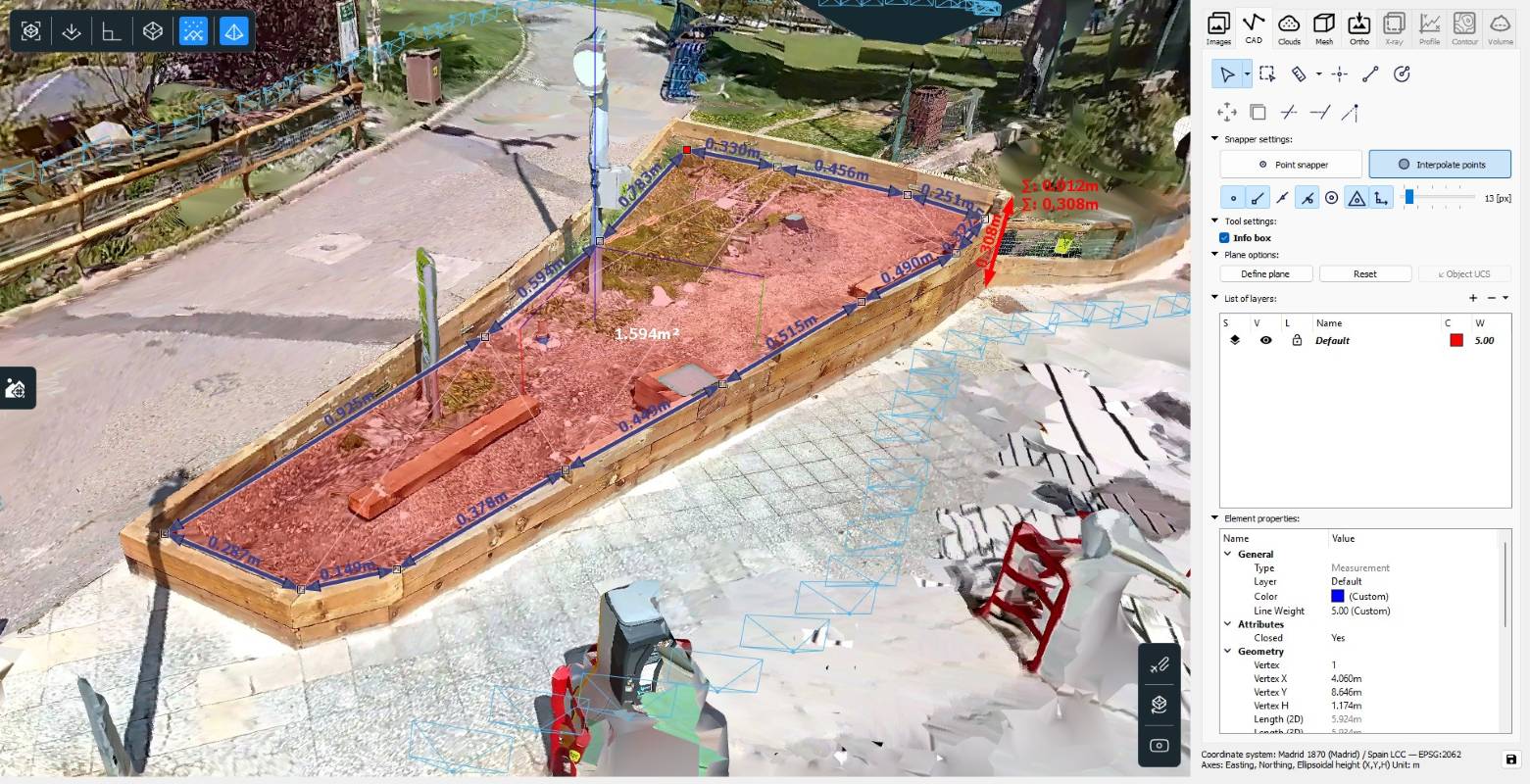
- After processing the video you will have a centimeter-level accurate 3D model of the site, and from which you can start now to extract useful information for your surveying project.
Related products
If you want to follow this tutorial, we have all the products in stock and ready to be shipped:
and