Still using a GNSS base and rover connected by radio? There are easier options.
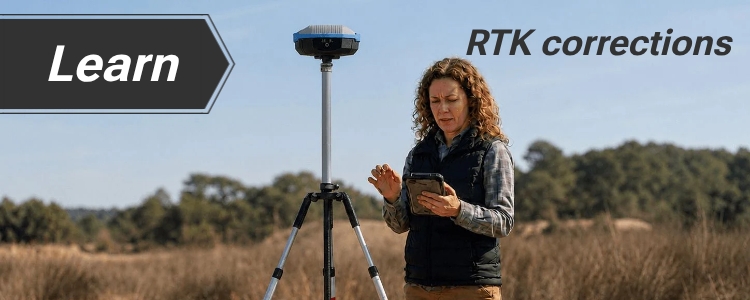
Traditionally, RTK systems used a GNSS base station transmitting corrections directly to a GNSS rover over a radio link. This setup is still widely used today in areas without Internet connectivity. For these situations, ArduSimple offers RTK development kits with radio communication and RTK Smart Antenna Configurable.
Radio RTK requires a clear communication path between the base and rover. Buildings, trees, hills, or other obstacles can reduce the range or block the signal.
When Internet connectivity is available, RTK corrections can also be delivered through NTRIP services, either public or private. In this guide, we explain three common ways to get RTK corrections on your RTK rover over internet.
Option #1: Find NTRIP service in our Database
(recommended for most users)
In many regions, permanent GNSS base stations are already operating and making RTK corrections available through an NTRIP service.
With this approach, you only need a GNSS rover. The RTK corrections are generated by an existing network of bases, so there is no need to purchase, install, or maintain your own GNSS RTK base.
Our NTRIP Services Database lists more than 125 services across more than 100 countries, making it easier to find one that fits your project. If there is a reliable service covering your work area, this is usually the simplest way to start using RTK.
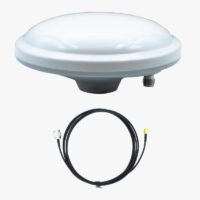
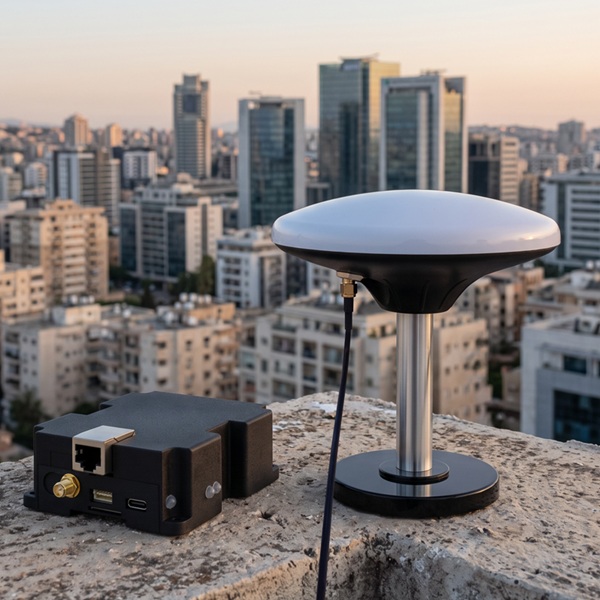
If you cannot find a suitable NTRIP service in our database, you can install your own GNSS RTK base station. You will need a RTK Base, a survey grade GNSS antenna, and a permanent installation location with a clear view of the sky.
The base will generate RTK corrections and transmit them over the Internet to your rover. There are two options for sending corrections from your base to the rover:
Option #2: Build your own RTK Base (CORS)
Your RTK base station is installed at a fixed location with a known position. It generates RTK corrections and sends them over the Internet to an NTRIP service such as CentipedeRTK, where your rover can access them.
This option is useful if there is no nearby RTK service, you want to improve coverage in your area, and you have a suitable location with power and Internet access. When you share your base through a public RTK network, other users may also use corrections from your base.
Choose this option if:
you want the simplest way to install own RTK Base,
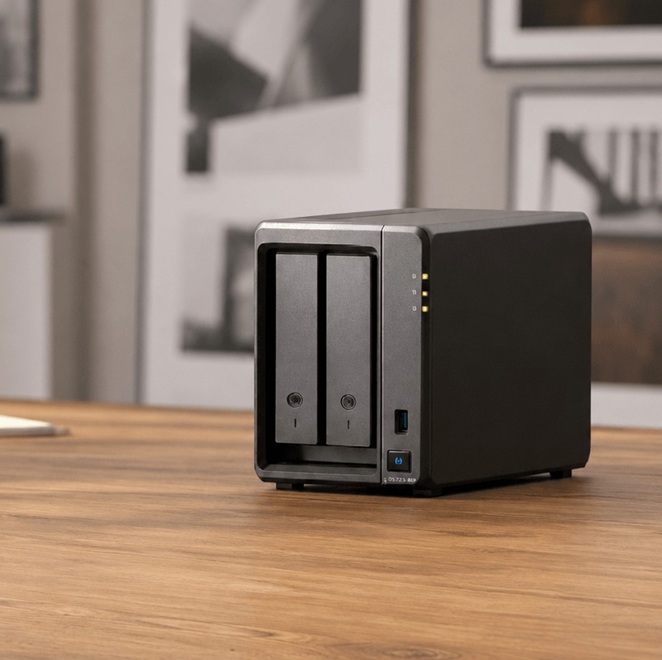
Option #3: Build your own NTRIP Caster on Synology NAS
If you need complete control over your RTK infrastructure, you can operate your own NTRIP caster.
In this setup, your RTK base still generates the RTK corrections. The difference is that, instead of sending them to a public RTK network, they are streamed through your own private NTRIP caster.
The caster manages user access and securely delivers corrections only to the rovers you authorize.
Many users host an NTRIP caster on a Synology NAS because it can run continuously with low power consumption and requires very little maintenance.
This option is recommended if:
you need a private correction service,
you manage multiple rovers,
you want full control over user access,
high availability is important for your application.


 and
and  How to get a quotation